
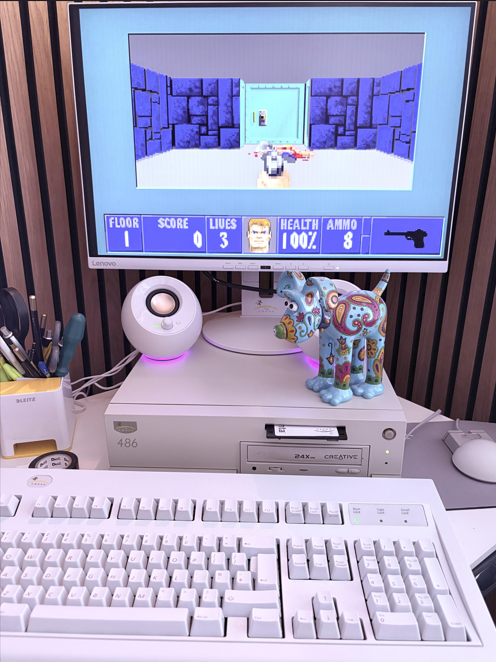
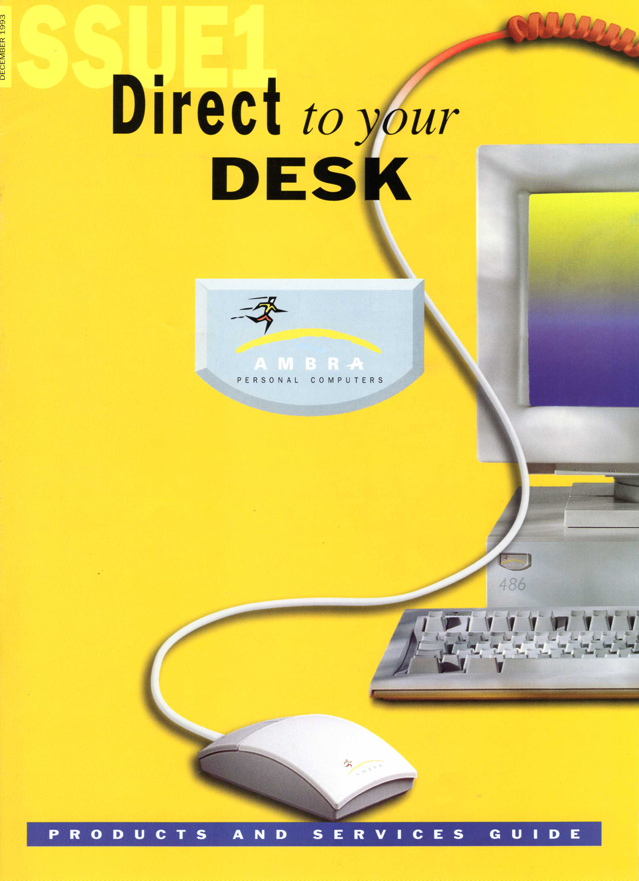
In December of 1993, ICPI released a products & service guide called “Direct to your Desk” outlining two new Ambra models which would be delivered in the new year (1994). These were the Ambra Sprinta II and the Ambra Hurdla MT.
The Ambra Sprinta II was far more slimline than it’s mark I (386 & 486) predecessors, sporting just one 5.25″ expansion bay on the front of the machine, and 3 x 16-bit rear ISA expansion bays on the rear. It was however equally as asthetically pleasing as the previous Ambra PCs and featured a ZIF (zero insertion force) socket which allowed processor upgrades to more powerful 486 processors and the impending Pentium processor due later in 1994.
ICPI seemed to use a mixture of components across theses machine which as standard had an internal model number stamped on the rear referencing the complete component assembly.
The graphics card was typically a Cirrus Logic GD-5424 on-board but later models often had a Western Digital WD-90C31 – both were on-boarded.
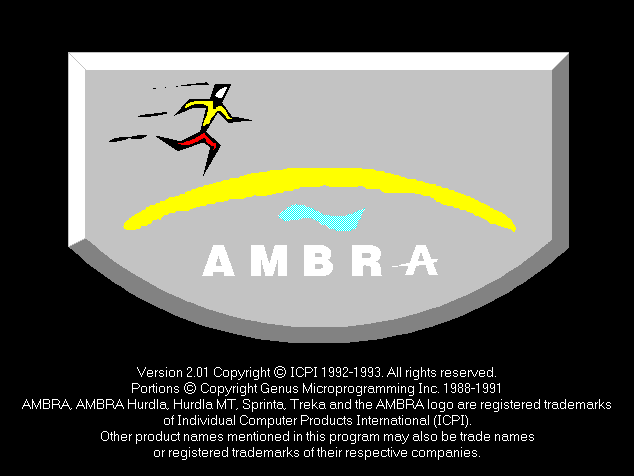
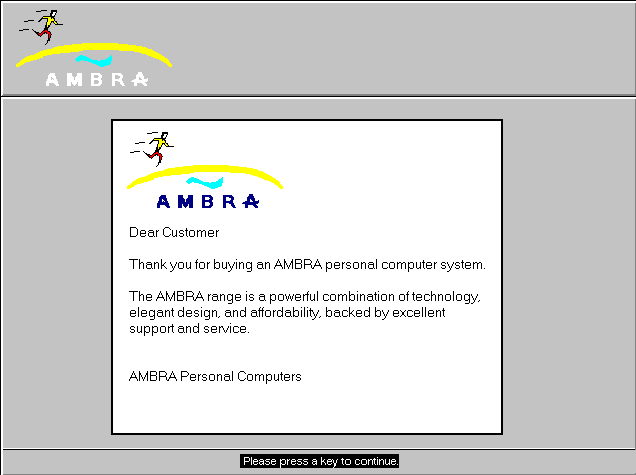
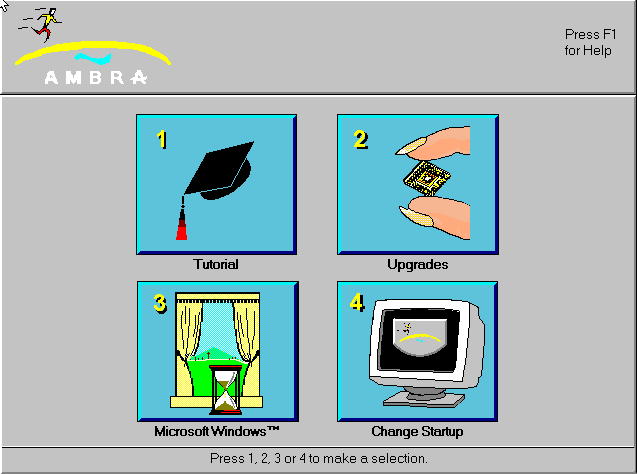
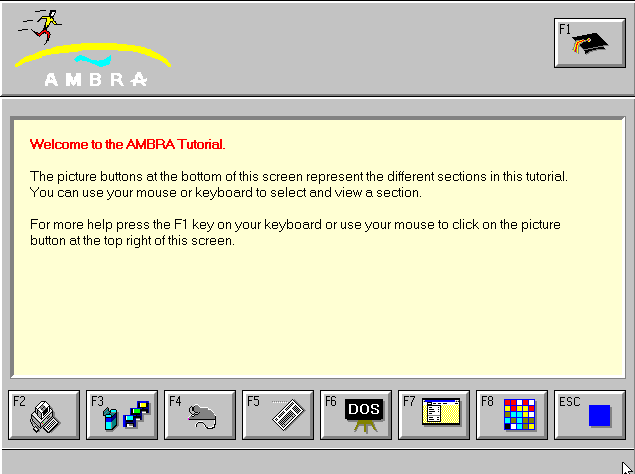
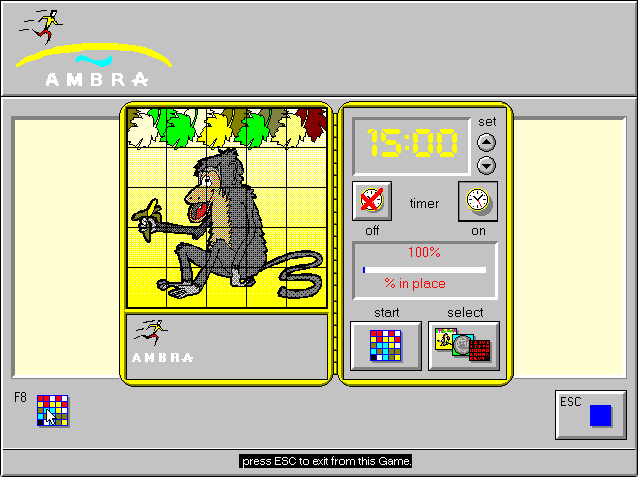
Software-wise MS-DOS 6.0 and Windows 3.1 were shipped as standard from the direct sales channels at Ambra, but reseller builds often included Microsoft Works 3.0 (an upgrade from v2.0a shipped with previous models), Lemmings, or PFS WindowWorks. Once again the machine booted into an updated AMBRA Intro and Tutorial (changed to reflect the new model). Additionally, a series of Windows help files were included to aide navigating the machine to complement the user manual.
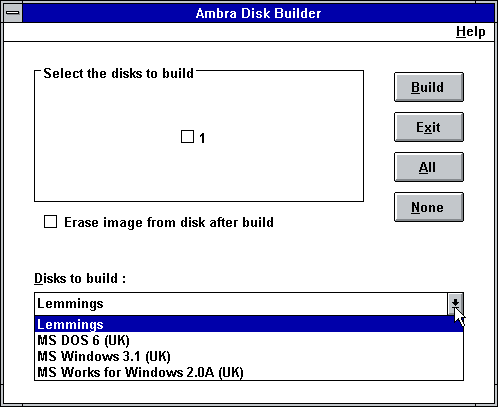
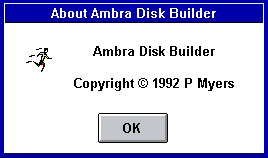
This newer generation of Ambras also included a windows utility called Ambra Disk Builder (ADBUILD.EXE). This was a tool developed for ICPI by Paul Myers which, through an .INF file (ADBUILD.INF) defined the location of disk images (stored in c:\adbimage) on the hard disk of the provided software to allow customers to generate their own floppy installation disks – this was presumably in response to critism of the previous generations license non-disclosure agreement for software causing customers to have to call into Ambra if they needed to rebuild their machines.
One discovery made during the restoration processes was that the Disk Builder application was reliant on MS-DOS v6.0 as opposed to MS-DOS 6.2/6.22 as in preparing the floppy disks for writing, it formats the disk using the DOS FORMAT command, writing the output verbose to a file. It then checks the size of the written file to determine the success of the format – assuming messages differ depending on the format repsonse it associates success with the returned file size. Difference in the output between DOS 6.0 and greater levels causes an error to occur during the preparation process. This is correctable by manually adjusting the the return file sizes in the ADBUILD.INF file, but I haven’t tested that yet.

(taken from Western Digital Corporation WDSETUP library)
Reviews of the machine hit the computer magazines in early 1994 with PC-Direct describing it as “A pedigee machine offering good expandability options at a Iow price”.
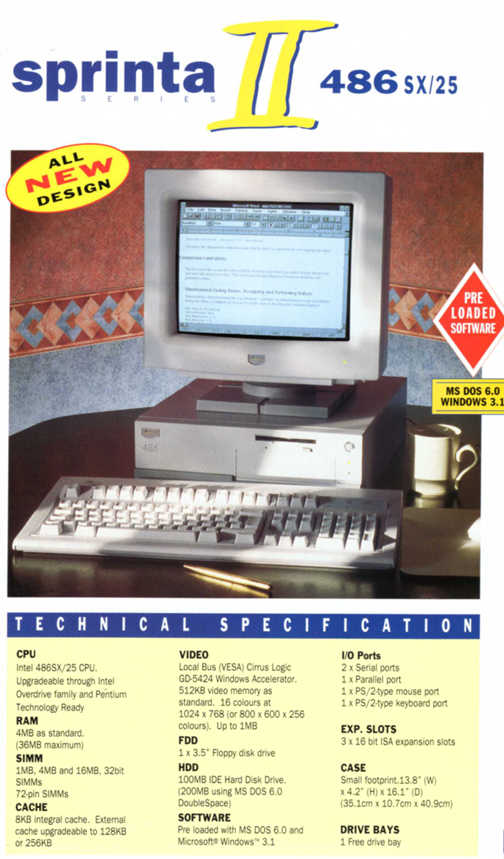
The advert above is broadly representative of the machine I’ve restored, excepting the onboard video card was the Western Digital version. I did however purchase an Intel 486DX2/66Mhz upgrade to plug into the ZIF socket, requiring one jumper setting change to bypass the on-board 486SX processor. I did test with a Cyrix equivilent, but the 5v draw was a little too much a caused the temperature to rapidly increase. I stuck with the Intel version and added a a heatsink and fan.
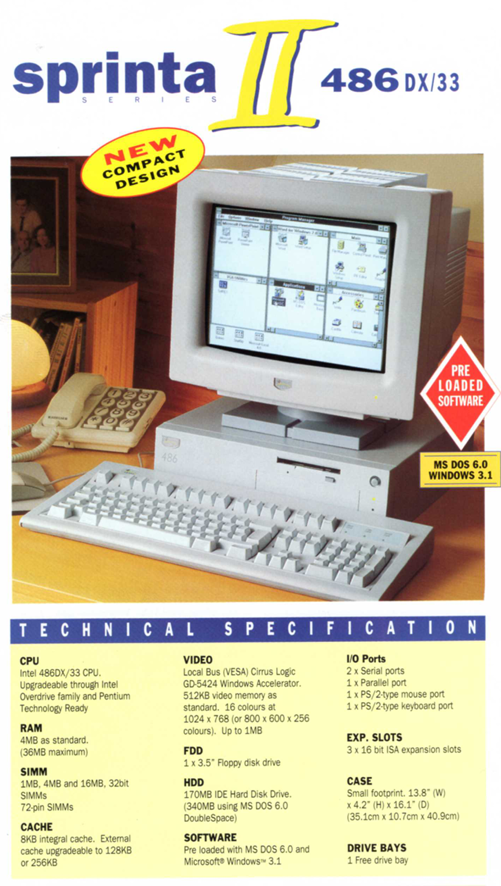
The advert below is the more powerful 486DX/33Mhz model available.
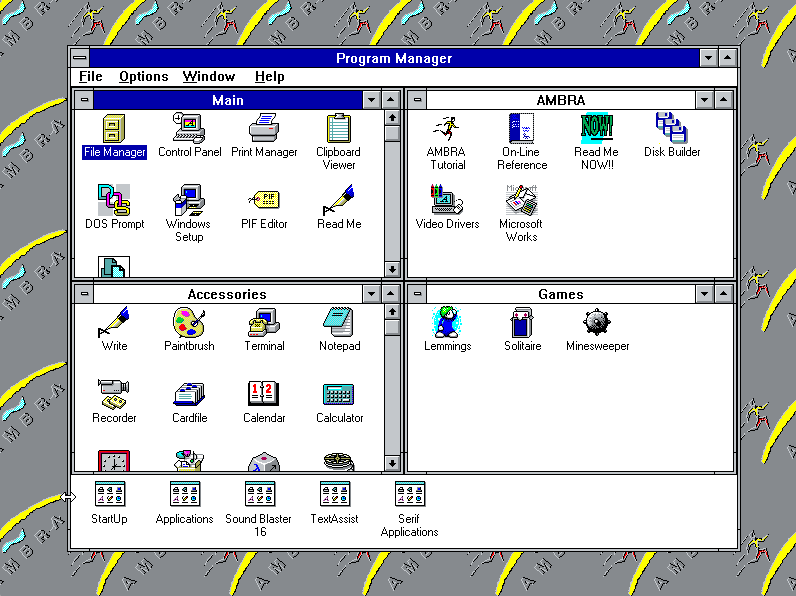
Once through the AMBRA menu system, Windows 3.1 was pre-configured with the Ambra wallpaper (changed here to the more colourful AMBRA4.BMP), the AMBRA program manager group containing a link to the tutorial, the disk builder, Western Digital video settings, the new windows help file and the original ReadMe NOW! file. In this example Lemmings and Microsoft Works were included in the pre-load.
An 86-page Technical User Guide was provided with the machine, but I do not have a copy – physical or digital. Please leave a message in the comments if you can help with providing this.
This article will be updated in the coming weeks with photos and videos of the restoration.